Introduction
You know that moment when you're rushing out the door and someone asks, "Is today a good day to start this?" Half the time, nobody actually knows. That's the gap Daily Panchang WhatsApp updates are quietly filling for a lot of families right now.
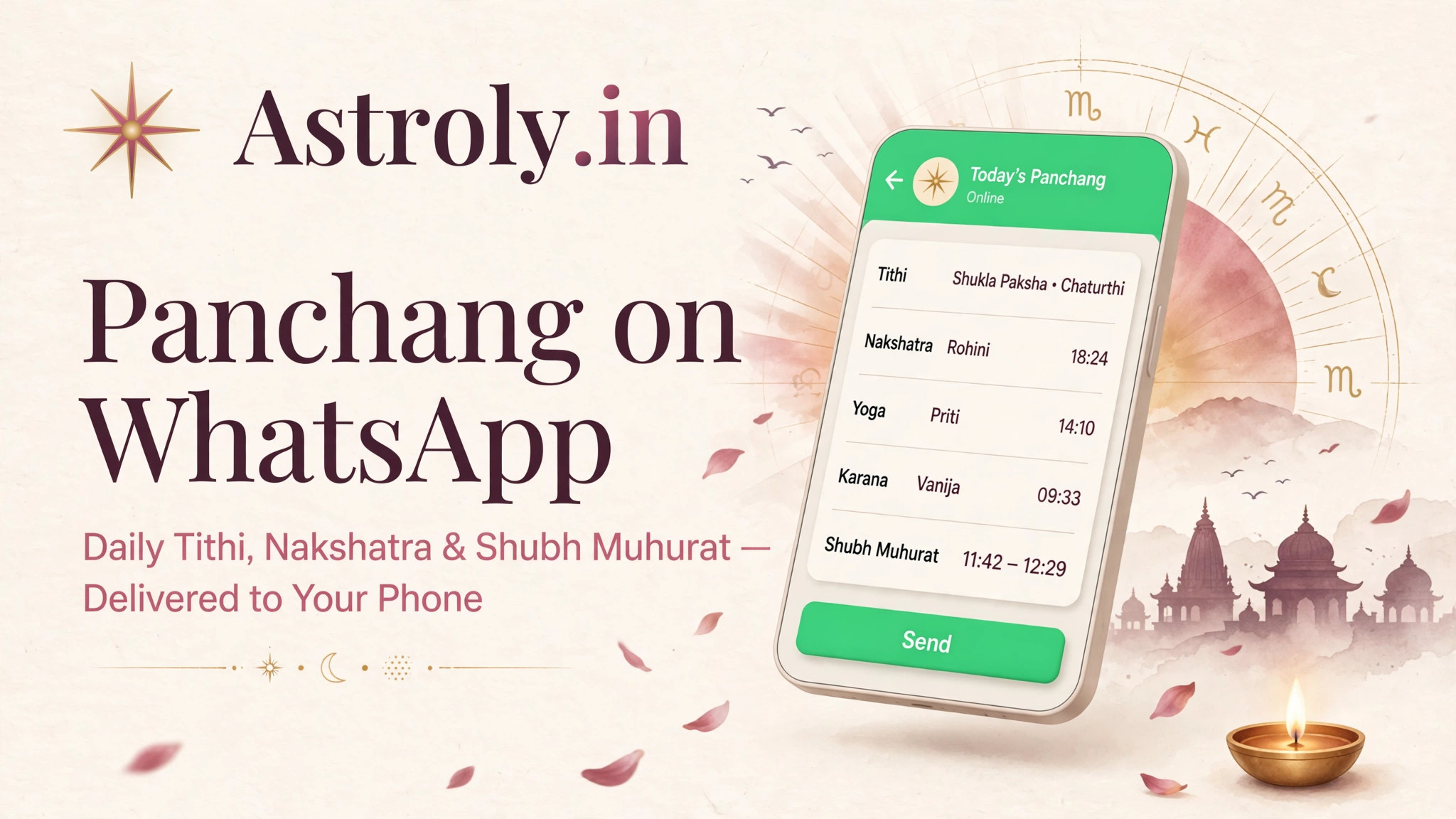
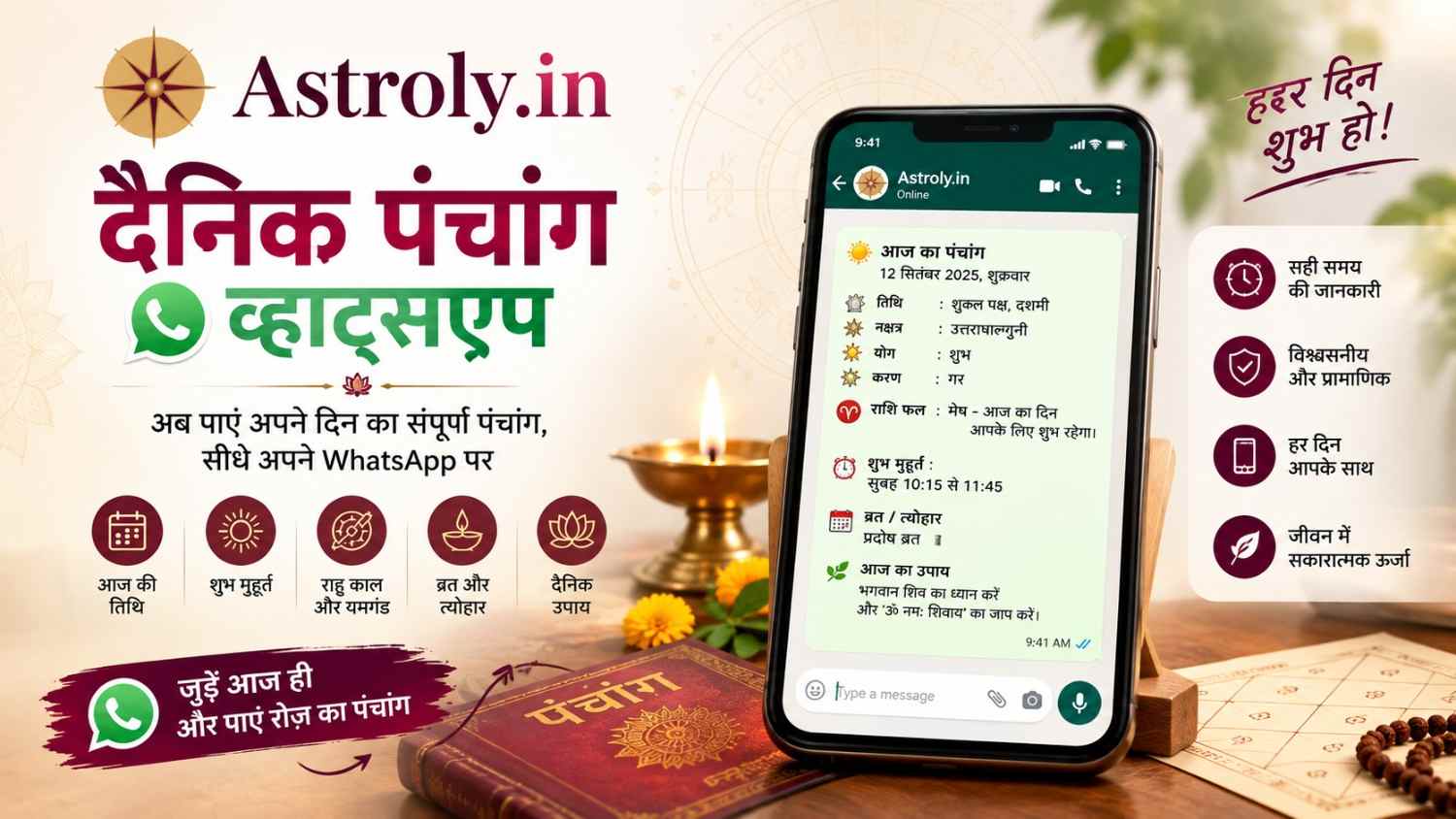
Astroly built this around a simple idea: your Panchang shouldn't require effort. No app-hopping, no scrolling through five websites with conflicting timings. With Daily Panchang WhatsApp notifications, the Tithi, Nakshatra, and Rahu Kaal for your day just... show up. On the app you already check anyway.
If you've grown up with a grandparent checking the calendar before every wedding, pooja, or new venture, you already know why this matters. Timing isn't a small detail in Vedic tradition. It's often the whole point.
This piece walks through how Daily Panchang WhatsApp actually works, why it's caught on so fast, and how to set it up through Astroly. We'll also get into what Panchang really means and answer the questions people keep asking us about it.
What Is Panchang, and Why Does It Still Matter
Panchang is India's oldest running calendar system, and it's a lot older than most people realize. It's been guiding decisions about timing for generations, long before anyone thought to put it on a phone.
The name itself explains the concept. "Panch" means five, "Anga" means limbs or parts. So Panchang, at its core, is just five pieces of information about a single day.
The Five Pillars
Every reading covers Tithi (the lunar day), Vara (the weekday), Nakshatra (which star constellation the moon sits in), Yoga (a sun-moon angle calculation), and Karana (half of a Tithi). Sounds technical written out like that, but priests and families have used these five to plan everything from weddings to shop openings for centuries.
Why It Hasn't Faded Out
Here's the thing — you'd think something this old would feel outdated by 2026. It doesn't. If anything, more young people are asking about auspicious dates now than a decade ago. Life moved online, but the questions people ask before a big decision haven't really changed.
How Daily Panchang WhatsApp Works With Astroly
Setting this up isn't complicated, and you won't need anyone's help to do it.
Getting Started
Download Astroly from the Google Play Store. Fill in a few basic details — your name and where you live — and that's most of the setup done.
From there, you switch on daily WhatsApp notifications. Every morning, timed around your local sunrise, Astroly sends over your Panchang for the day.
What Actually Lands in Your Chat
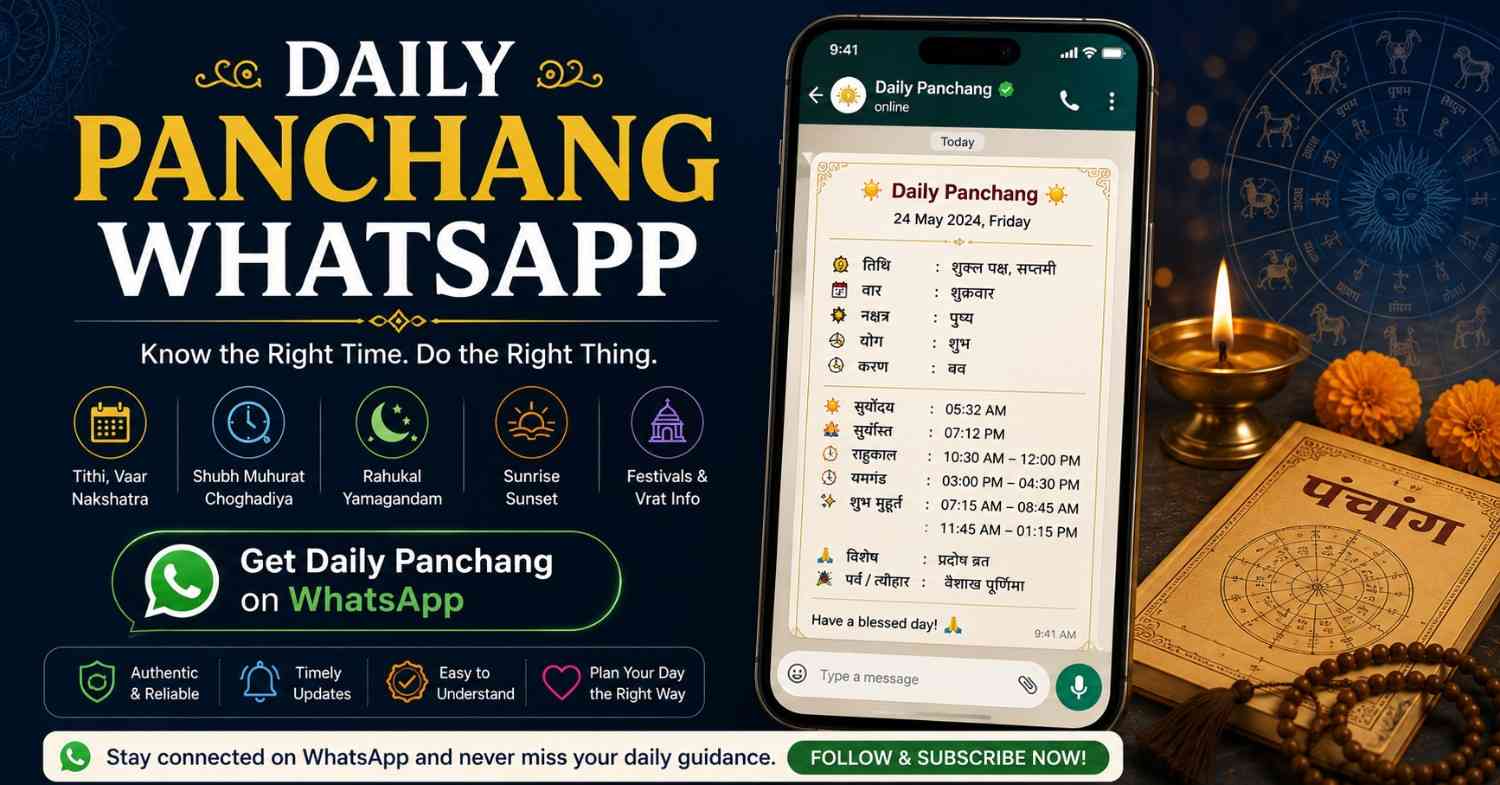
Each message covers Tithi, Nakshatra, Rahu Kaal, Yamaganda, and Abhijit Muhurat. Sunrise and sunset times are included too, calculated specifically for your city.
That location detail matters more than people give it credit for. Your Panchang reflects where you actually live, not some generic pan-India timing that's technically wrong for half the country.
And Then You Just... Forget About It
Once it's on, you don't have to remember to check anything. The message is sitting in WhatsApp with your other chats, waiting for you over morning chai. No app to open, no website to bookmark.
What You Actually Gain From This
There's a real, practical case for switching to Daily Panchang WhatsApp updates, beyond just novelty.
It Gives You Back a Few Minutes
Doesn't sound like much until you add it up. Skipping the daily search-and-scroll routine saves a handful of minutes every single day — and over a month, that's noticeable, especially if mornings are already tight.
It's Actually Accurate for You
Astroly runs its calculations against real astronomical data, not rounded-off estimates. Rahu Kaal in Delhi isn't the same as Rahu Kaal in Chennai, and a printed calendar rarely bothers to make that distinction.
It's Easy to Pass Along
Someone's mother needs today's Muhurat? Forward the WhatsApp message. Takes two seconds, and there's no explaining involved — the information's already formatted and ready.
It Quietly Builds a Habit
A few users have told us this is the part they didn't expect — getting the message every morning becomes a small daily touchpoint with tradition. Not a chore, just... there.
Picking the Right App for This
Not every Panchang app handles WhatsApp delivery well, and a few things are worth checking before you commit to one.
Are the Calculations Actually Solid?
Some apps cut corners with simplified math. Astroly follows standard Vedic astronomical methods, the same ones professional astrologers rely on — not shortcuts that happen to look right.
Does It Adjust for Where You Live?
Sunrise time changes Tithi and Nakshatra transitions in ways that matter. An app ignoring your city's specific sunrise is guessing, not calculating.
Can You Set It Up Without a Headache?
Astroly's onboarding takes a few minutes. No manuals, no confusing settings menus.
Does It Actually Show Up Every Day?
This is the one people underrate. A Panchang app that skips days or sends things late defeats the entire purpose. Consistency is the whole product.
More Than Just a Daily Message
Daily Panchang WhatsApp is the feature that gets people to download Astroly. It's not the only reason they keep it.
Horoscopes Built Around You
Astroly pulls your birth details to generate daily, weekly, and monthly horoscope readings, not generic sun-sign predictions.
Finding the Right Muhurat
Planning a wedding date or a business launch? The app helps you narrow down auspicious windows based on traditional Vedic timing principles.
Your Birth Chart, Mapped Out
Users can generate a full Kundli inside the app, useful for anyone wanting to go a layer deeper than daily updates.
Festivals and Vrat Dates, Sorted
Astroly also tracks upcoming festivals and fasting days, so you're not caught off guard by a date you meant to remember.
Put together, it's less "notification app" and more a full companion for people who take this seriously.
Conclusion
Tradition doesn't need to be inconvenient. Daily Panchang WhatsApp updates from Astroly bring accurate, location-based astrological information straight into the app you already open a dozen times a day.
Tithi, Nakshatra, Rahu Kaal — it all arrives without you lifting a finger to search for it. And once you're in, features like horoscopes and Muhurat tools round things out into something genuinely useful, not just a morning notification.
Want to try it out? and turn on your Daily Panchang updates today. You can also check out for everything else the app offers.
Thousands of people already start their mornings this way. Might as well see if it fits yours too.
Frequently Asked Questions
Q1. How do I get Daily Panchang on WhatsApp for free? Download Astroly from the Google Play Store, add your location during setup, and turn on WhatsApp notifications. Your Panchang starts arriving the next morning, no cost involved.
Q2. Is the Panchang information actually specific to my location? Yes — Astroly bases Tithi, Nakshatra, and Rahu Kaal on your exact city's sunrise and sunset, not a generic national average.
Q3. Can I forward the WhatsApp Panchang message to family? Easily. It's a regular WhatsApp message, so sharing it with parents or relatives is as simple as forwarding any other chat.
Q4. Does Astroly do more than send Panchang updates? Quite a bit more, actually. There's personalized horoscopes, Kundli generation, Muhurat timing tools, and a festival calendar built into the same app.
Q5. What time does the message usually arrive? Typically early morning, timed around your local sunrise, so it's there before your day gets going.
Q6. Is my personal information safe with Astroly? Astroly only asks for what's needed to personalize your Panchang, mainly your location. No sensitive personal data is required for the WhatsApp feature.