
Introduction
"How can I create a free birth chart?" It's one of the most common questions people type into Google right before they get into astrology — and honestly, the answer is a lot less complicated than it sounds.
A birth chart (some call it a natal chart) is basically a photo of the sky, taken at the exact minute you were born. It records where the sun, moon, and every planet were sitting at that moment. A lot of beginners land here still wondering how can I create a free birth chart without paying for a consultation or downloading clunky astrology software from 2009.
You don't need either one. Apps like Astroly do the whole calculation for you — for free — as long as you know your birth date, time, and city. This guide walks through exactly how that works, what mistakes to dodge, and how to make sense of your chart once it's sitting in front of you.
What a Birth Chart Actually Shows You
Strip away the mystique and a birth chart is just data — planetary positions, mapped onto a wheel, frozen at the second you were born. It also marks your rising sign, or ascendant, which is the zodiac sign that was rising on the eastern horizon at that time.
No two charts look exactly alike. Even twins born four minutes apart can end up with a different rising sign, which changes a surprising amount.
Why People Bother Getting One
Some people want a bit of self-insight. Others are checking compatibility with a partner before things get serious. Plenty of people just find the whole thing fun — a low-stakes hobby that doesn't require much commitment.
Whatever the reason, step one is the same for everyone: get an accurate chart, generated with the right data.
The Three Things You'll Need
Every chart calculation comes down to three inputs:
- Date of birth — day, month, year
- Time of birth — as close to exact as you can get
- Place of birth — city, so the tool can work out your time zone and coordinates
Grab your birth certificate or ask a parent if you're not sure. Getting this wrong, even by an hour, can shift your whole chart.
How Can I Create a Free Birth Chart, Step by Step
Here's the part most people actually came here for.
Step 1: Pick a Tool That's Actually Accurate
Not every free chart generator is built the same way. Some skip house systems entirely or run on outdated astronomical tables. Astroly was built around real ephemeris data — the same reference tables professional astrologers use — so the placements you get back are the real thing, not a rough guess.
Step 2: Type In Your Birth Details
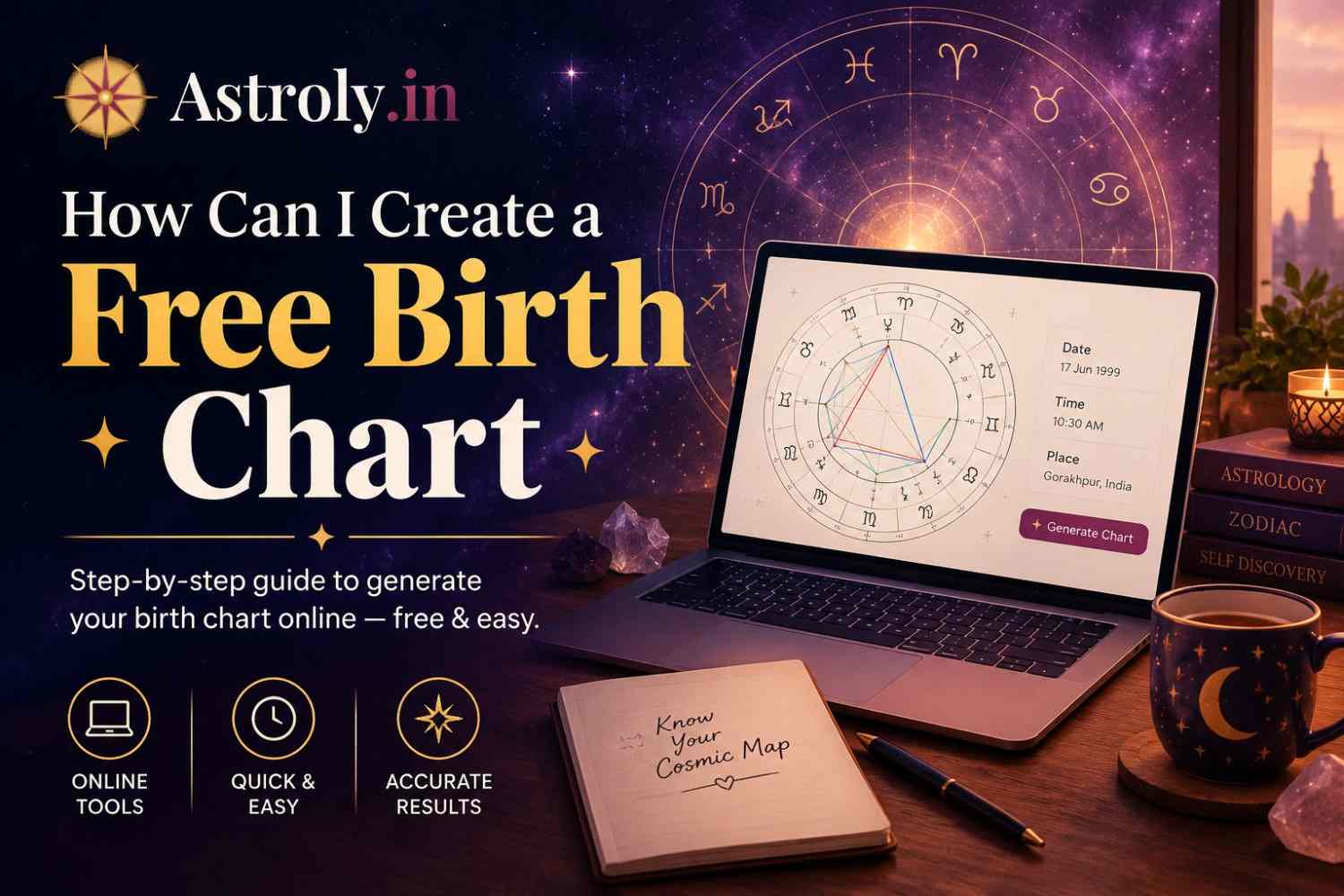
Head to astroly.in or open the app, then enter your date, time, and place of birth. The time zone gets detected automatically once you type in your city — no manual math required.
Step 3: Generate the Chart
Tap generate and your chart shows up instantly — a circular wheel split into twelve houses, with little planet symbols scattered around it. That's your personal snapshot of the sky.
Step 4: Save It Somewhere You'll Find It Again
You can save your chart as an image or a PDF. Handy if you want to revisit it later, compare it with someone else's, or hand it to an astrologer for a deeper look.
Making Sense of Your Chart Without Losing Your Mind
The first time you see a full birth chart, it can look like a lot — lines crossing everywhere, tiny glyphs you don't recognize, numbers stacked on numbers. Take a breath. You don't need a degree in astrology to get something useful out of it.
Start With Your "Big Three"
Three placements matter more than the rest, at least at first:
- Sun sign — your core identity
- Moon sign — your emotional instincts
- Rising sign — how people read you before they know you
Those three alone explain a surprising amount about how you move through the world.
Don't Try to Memorize All Twelve Houses on Day One
The twelve houses map onto life areas — career, relationships, health, and so on. Whatever planets land in a house add flavor to that part of your life. You'll pick this up gradually. Astroly includes plain-language notes next to each placement, so you're not googling every symbol.
Look for Repeating Themes, Not One Big Answer
Astrology doesn't really work like a fortune cookie with one tidy message. It's more about noticing patterns — if three or four placements keep pointing toward the same theme, that's usually worth paying attention to.
Mistakes That Throw Off a Free Birth Chart
Even with an easy tool, a few slip-ups can quietly wreck your results.
Guessing at the Birth Time
"Sometime in the afternoon" isn't good enough. A birth chart calculated off a rough estimate can hand you the wrong rising sign entirely. Check your birth certificate, or ask whoever was in the room.
Forgetting Time Zones and Daylight Saving
Old daylight-saving rules trip up manual calculations constantly, especially for people born decades ago in places that have changed their rules since. This is exactly why automated tools beat doing it by hand.
Trusting Sun-Sign-Only Horoscopes
The horoscope in your newspaper only ever used your sun sign — one placement out of ten or more. Your actual birth chart tells a far more complete, far more personal story.
Ignoring the House System Setting
Different house systems shift the house cusps slightly. Most beginners don't need to touch this — the default (usually Placidus) works fine for a first read.
Why People Choose Astroly for Their Free Birth Chart
Plenty of sites will calculate a chart for free. Not many combine accuracy with something that's actually pleasant to use.
Real Astronomical Data, Not Estimates
Astroly runs on precise ephemeris tables, the same data professional astrologers rely on — so your chart reflects real planetary positions rather than a shortcut approximation.
Explanations You Don't Need a Textbook For
Every placement comes with a plain-language note. No prior astrology knowledge required.
Free, and It Fits in Your Pocket
Generate your chart right from your phone. Get it on Google Play or head to astroly.in from any browser.
Daily Updates, Not Just a One-Time Chart
Your birth chart is a starting point — but the sky keeps moving. Download the Astroly app to get daily horoscope updates based on your actual chart, not a generic sun-sign forecast, so you always know what today's transits mean for you.
Save and Compare Multiple Charts
Store more than one chart in the app — useful for checking compatibility with a partner, comparing notes with a friend, or building out your whole family's charts.
Wrapping Up: Get Your Free Birth Chart Today
If you've been stuck on "how can I create a free birth chart," the short answer is: it's easier than you'd think. Grab your birth date, time, and place, hand them to a tool built for accuracy, and you're done in a couple of minutes.
Astroly handles the calculations, explains what you're looking at, and keeps things updated day to day — not just a one-off chart you generate and forget.
Ready to see your chart? Create it free on Astroly.in, or download the app on Google Play for your free birth chart plus daily updates delivered straight to your phone.
Frequently Asked Questions
Is it actually free to create a birth chart, or is there a catch? It's free. Astroly generates the full chart wheel and every placement at no cost — no hidden fee for the basics.
What happens if I don't know my exact birth time? You can still generate a chart with an approximate time, but your rising sign and house placements may end up off. Check your birth certificate if you can — it makes a real difference.
Do I need to already know astrology to understand my chart? Not at all. Astroly explains each placement in plain language, so you can start making sense of it right away.
Can I create a chart for someone else — a partner, a friend, a parent? Yes, as long as you have their accurate birth date, time, and place.
Does the app do anything beyond the one-time chart? Yes — download the app and you'll get daily horoscope updates based on your own birth chart, so it's not a one-and-done tool.
How is an app-generated chart different from a paid astrologer reading? The chart data is identical either way. A paid reading adds personal interpretation on top of it; the app gives you the raw chart plus general, plain-language guidance.