
Introduction
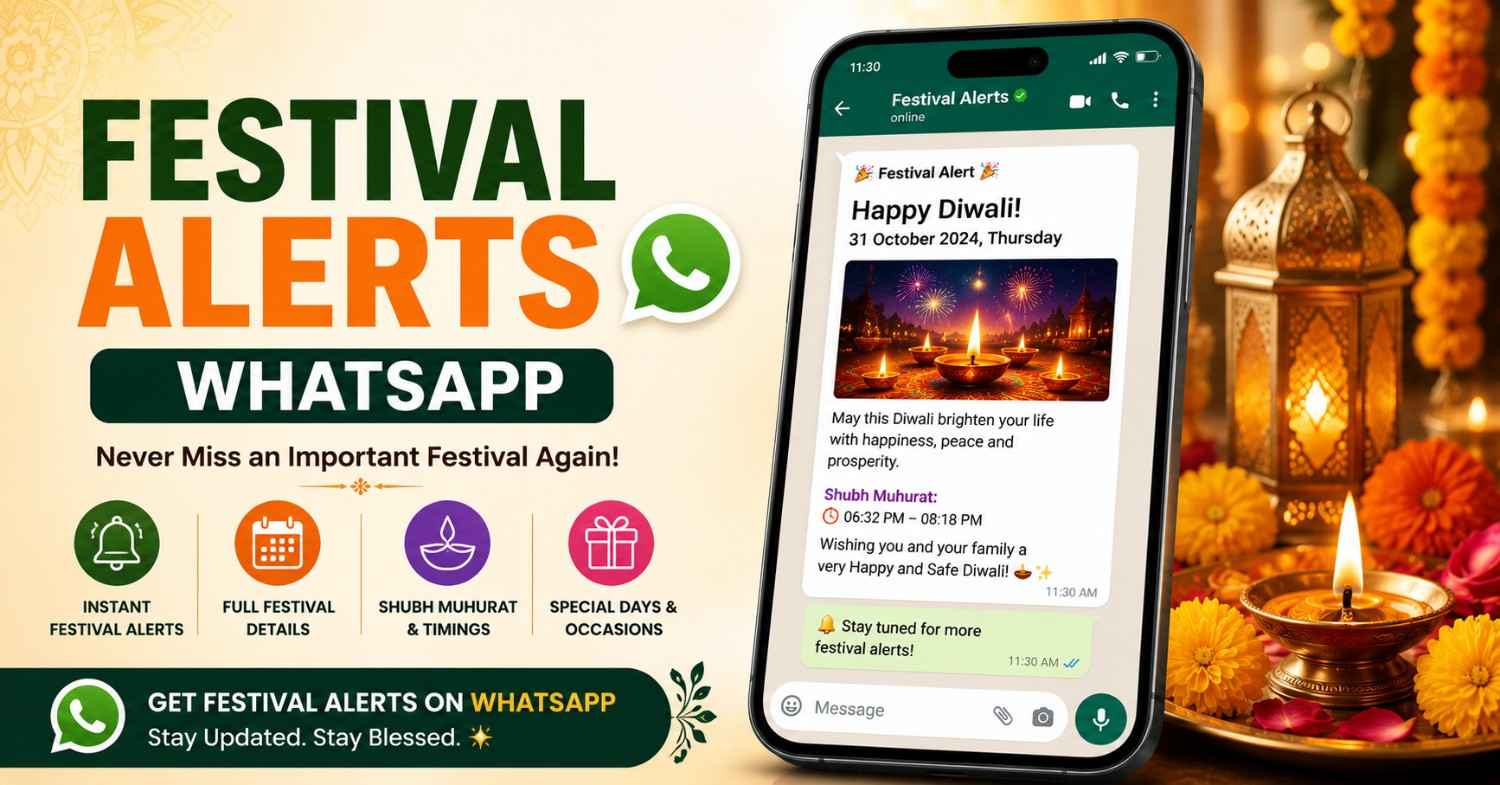
Last year, my aunt called me at 9 p.m. asking if I'd bought sweets for Ganesh Chaturthi. It was the next morning. I hadn't. That's the kind of scramble Festival Alerts WhatsApp is meant to fix. Instead of relying on memory, a wall calendar nobody updates, or a last-minute phone call from a relative, you get a message on WhatsApp a day or two before the festival actually arrives. Diwali, Holi, Navratri, Karva Chauth — whatever matters to your household, it lands in the app you already check fifty times a day. This piece walks through how Festival Alerts WhatsApp works, why it's genuinely useful, and how to set it up through , an astrology app a lot of Indian families are already using.
Reviewed by the Astroly Editorial Team, working alongside Vedic astrology consultants with over a decade of combined experience in Panchang and festival research.
Festivals aren't just dates on a calendar. They're the reason families gather, the excuse to cook something special, the thing that gives the year its rhythm. The problem is that most of them follow the lunar calendar, so the date shifts every single year. Nobody wants to do that math themselves — and honestly, most of us can't.
So let's get into it: what the feature actually does, why it's worth setting up, and the questions people usually ask before they try it.
Why Festival Reminders Actually Matter
The Trouble With Old-School Calendars
A printed calendar hanging in the kitchen is fine for the big three or four festivals. But regional observances, fasting days, specific Ekadashis — those get left off entirely, and you find out too late.
Digital calendars aren't much better if you have to add every event yourself. Who has the time, or honestly the astrological knowledge, to work out Amavasya versus Purnima every month?
Where Apps Actually Help
This is where something like Astroly earns its keep. It pulls from accurate Panchang data and works out the dates for you — no manual entry, no guessing.
But calculating the date is only half the job. The date is useless if you don't see the reminder in time. That's really the whole point of Festival Alerts WhatsApp: it shows up where you're already looking, not buried in an app you open twice a year.
How Festival Alerts WhatsApp Works Inside Astroly
Setting It Up
It's not complicated. Download , link your WhatsApp number, and pick the festivals or region that matter to you. From there, the app sends a reminder a day or two ahead of time.
If your family follows a regional tradition rather than a generic national list, this matters a lot more than it sounds like it should.
What Actually Shows Up in the Message
You don't just get "Diwali is on X date." Often there's a bit more — the auspicious time (muhurat), fasting rules if they apply, a short line about what the day actually means.
It's a small thing, but it saves you from opening five browser tabs trying to figure out when the puja actually starts.
You're Still in Control
You decide how far in advance the reminder comes, and you can switch off festivals that don't apply to your family. Nobody wants another notification they end up muting anyway — this one's built to stay useful, not annoying.
What You Actually Get Out of It
Less Mental Clutter
You stop having to hold festival dates in your head or dig them up every month. That's a small win, but it adds up over a year.
Everyone's on the Same Page
When the whole family gets the same reminder at the same time, planning stops being a guessing game. Parents, grandparents, kids — everyone knows when to start preparing.
The Dates Are Actually Reliable
Because Astroly works off verified Panchang calculations, you're not relying on whatever comes up first on Google. Regional differences — like Ekadashi falling on different days depending on tradition — get factored in too.
It's Not Just Alerts
Festival Alerts WhatsApp is one piece of a bigger picture. Plenty of people use Astroly for daily horoscopes and Panchang details too, so it ends up being one app instead of five.
Setting It Up: A Walkthrough
Step 1 — Install the App
Head to the and download Astroly. Takes a couple of minutes, nothing fancy.
Step 2 — Fill In Your Basic Details
Name, date of birth, location — enough for the app to personalize dates and content for where you actually live.
Step 3 — Connect WhatsApp
In the notifications section, add your WhatsApp number and confirm the code that gets sent to you. That's it.
Step 4 — Pick What Matters to You
Choose the festivals, fasting days, and regional dates you want reminders for. You can change this list any time.
Step 5 — Let It Run
From here, the reminders just show up before each date. Nothing else to do.
Mistakes People Make Without Realizing It
Trusting Memory Alone
Even people with sharp memories miss lunar-calendar festivals. It's not a memory problem — it's a math problem, and the math changes every year.
Sticking With an Outdated Calendar
Old printed calendars sometimes get regional adjustments wrong. A tool that updates on its own, like Astroly, tends to be more accurate.
Forgetting Regional Variation
Not every festival lands on the same date across every state. Picking an app that actually accounts for your region — instead of showing one national date — avoids a lot of confusion later.
Wrapping Up
Nobody should have to scramble the night before a festival because they forgot the date, or find out three days late that they missed a fast. Festival Alerts WhatsApp through Astroly handles that quietly in the background — accurate dates, sent where you'll actually see them, without you having to think about it.
If that sounds useful, or check out to see what else it does. Setting up your Festival Alerts WhatsApp preferences takes about five minutes — probably less time than it took to read this.
Frequently Asked Questions
What is Festival Alerts WhatsApp? It's a feature that sends festival reminders straight to your WhatsApp, so you're not stuck checking calendars manually.
Is it free on Astroly? It's included as part of the app experience. Worth checking the app directly for any premium details, since those can change.
Can I pick which festivals I get alerts for? Yes — you customize it by region and personal tradition right in the settings.
Does it account for regional differences in festival dates? Yes. Astroly's Panchang-based calculations factor in regional variation for a lot of observances.
How do I turn off the reminders? Just head into the settings menu inside the app and switch them off whenever you want.
Is my WhatsApp number safe with Astroly? It's only used to send the reminders you've opted into. You can read more on if you want the full details.